
Pictory AI turns your blog posts, scripts, webinars, and podcasts into professional branded videos — automatically. Stock footage, captions, voiceover, and music included. No editing skills. No timeline. Just paste and publish.
Visit Site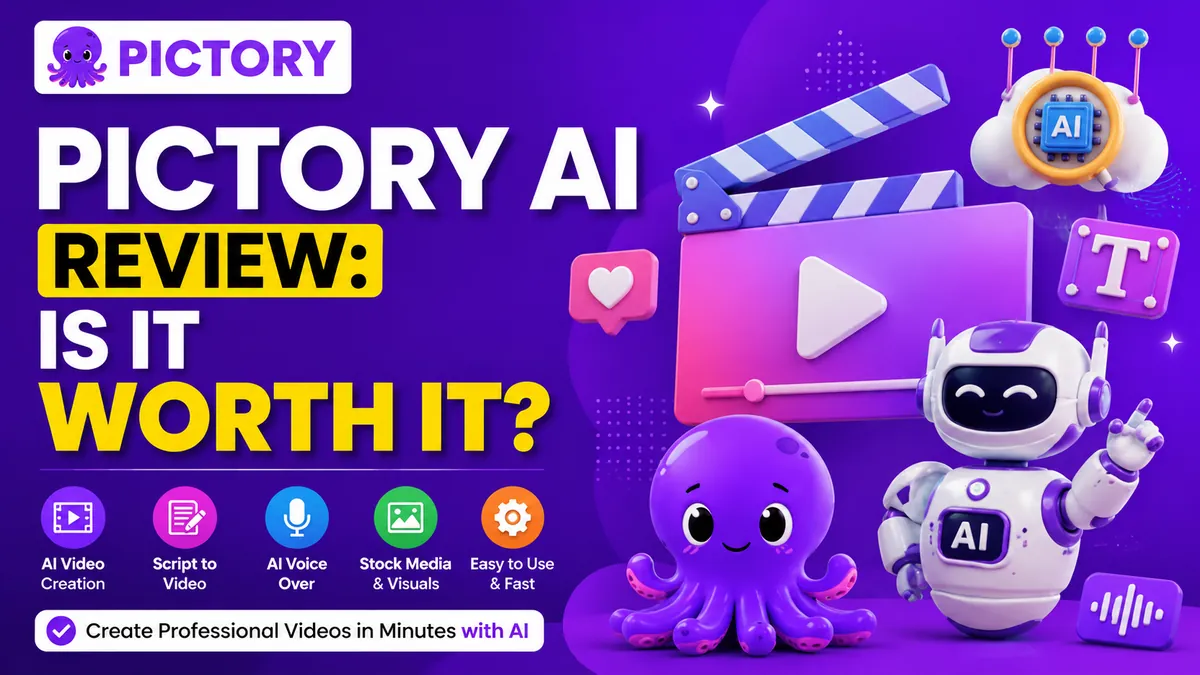
What Is Pictory AI?
You’ve spent hours writing a 2,000-word blog post. You know it should be a video — video gets 3x the engagement, ranks better on search, and dominates social feeds. But between finding stock footage, editing timelines, writing captions, and recording a voiceover, turning that article into a video feels like a second full-time job.
Pictory AI eliminates that problem entirely. It’s a cloud-based video creation platform that reads your text, selects relevant stock footage from a library of 12 million+ licensed clips, generates captions automatically, adds a voiceover, and delivers a polished, branded video — in minutes. Paste a blog URL, and Pictory does the rest. No software to install. No editing skills required. No timeline to wrestle with.
Used by marketers, YouTubers, educators, and agencies worldwide, Pictory is the undisputed leader in content repurposing — the art of turning what you’ve already created into video that actually gets watched.
“You just paste your script and it selects the videos and the music. There is a TON of high-quality content to choose from — and it’s all included at a very affordable price.” — Verified user, Software Advice
Key Features of Pictory AI
- Script to Video: Paste your written script and Pictory’s AI breaks it into scenes, auto-selects matching stock footage from Getty Images and Storyblocks, adds music, generates captions, and delivers a complete video. The entire process takes minutes — not hours.
- Article to Video (URL to Video): Enter any blog post or article URL and Pictory automatically summarizes the content, pulls out the key points, and builds a shareable video around them. Turn your best evergreen content into ongoing video traffic with one click.
- Edit Video Using Text: Upload any existing video or recording and Pictory transcribes it automatically. Then edit the video by editing the text — delete a sentence from the transcript and Pictory removes that clip from the video. No timeline scrubbing. No frame-by-frame editing.
- Audio to Video: Upload an MP3 or WAV recording (up to 180 minutes), and Pictory transcribes it, breaks it into scenes, and matches each segment with relevant visuals — turning your podcast or interview into a full video with minimal effort. (Added October 2025.)
- PPT to Video: Convert PowerPoint presentations directly into narrated videos. Add AI voiceover, stock footage, and music to transform your slides into polished video content for webinars, training, or marketing.
- AI Video Summarization (Highlights): Feed Pictory a long webinar, interview, or recorded demo. The AI automatically identifies the most important moments and extracts them into short highlight clips — ready to post on LinkedIn, YouTube, or Instagram.
- AI Voiceover in 29 Languages: Generate natural-sounding AI narration in 29 languages without recording equipment. Choose your voice, adjust tone, and let Pictory handle the narration — on the Professional plan and above.
- Auto Captions & Subtitles: Pictory automatically generates accurate captions for every video, improving accessibility and boosting watch time on muted social feeds — without any manual effort.
- Brand Kit: Upload your logo, custom fonts, and brand colors. Apply your full branding to every video with one click — ensuring consistent visual identity across every piece of content you produce.
- 12M+ Licensed Stock Assets: Access a massive library of premium video clips from Getty Images and Storyblocks, plus thousands of royalty-free music tracks — all included in your subscription at no extra cost.
- Screen & Webcam Recording: Record your screen, webcam, or both directly inside Pictory, then instantly apply AI-powered editing tools to the recording without switching apps.
- Team Collaboration: Share projects, collaborate on edits, and manage content production across team members — ideal for marketing agencies and content teams working at volume.
How to Use Pictory AI
- Step 01 – Choose Your Workflow: Log in and select your starting point on the dashboard — Script to Video, Article to Video, Edit Video Using Text, Audio to Video, or PPT to Video. Each workflow is clearly labeled and launches in one click.
- Step 02 – Add Your Content: Paste your script, enter a blog URL, upload a video/audio file, or import your PowerPoint. Pictory’s AI immediately gets to work analyzing and structuring your content.
- Step 03 – Review the Storyboard: The AI generates a storyboard — one scene per key point. Review the clips it selected, swap any visuals you don’t like from the stock library, and adjust the text for each scene.
- Step 04 – Add Voice & Music: Select an AI voiceover from dozens of voice options across 29 languages, or upload your own recording. Pick a music track from thousands of royalty-free options and set the volume balance.
- Step 05 – Apply Your Brand: One-click your brand kit to apply your logo, fonts, and colors across every scene. Pictory automatically maintains your visual identity throughout.
- Step 06 – Generate & Download: Click Generate. Your video renders in the cloud — typically within a few minutes. Download in your preferred format, or share directly to social platforms.
Who Is Pictory AI For?
Pictory is the ideal tool for anyone who creates written or recorded content and wants to extend its reach into video — without the production overhead.
- Content marketers and bloggers repurposing articles into social video at scale
- YouTubers extracting highlights from long-form videos and podcasts
- Educators and course creators turning lectures and webinars into clips
- Agencies producing branded video content for multiple clients efficiently
- Small businesses wanting professional video without hiring editors
- Social media managers keeping feeds active with minimal production effort
- B2B marketers turning whitepapers, case studies, and demos into shareable content
Pros & Cons of Pictory AI
Pros- The fastest text-to-video workflow available — from URL to finished video in minutes
- 12M+ licensed Getty Images and Storyblocks clips included in all plans
- Edit video by editing text — no timeline, no frame-level editing needed
- AI voiceovers in 29 languages on Professional plan and above
- Auto captions generated accurately for every video automatically
- Brand kit applies consistent logo, fonts, and colors with one click
- Audio to Video and PPT to Video expand repurposing beyond just blog posts
- Free trial with 3 projects — no credit card required
- 30-day money-back guarantee on paid plans
- AI stock footage selection can miss context — manual review recommended for key content
- AI voiceover quality can sound robotic on longer narrations
- No AI avatar or talking head presenter — purely stock footage and text overlays
- Advanced editing and creative control is limited compared to traditional video editors
- Occasional glitches reported in the editor interface
- Voice language variety could be broader (some languages underrepresented)
Pricing & Plans
Pictory offers flexible plans on monthly or annual billing. All plans include a free trial (3 watermarked videos, no credit card required) and a 30-day money-back guarantee on paid subscriptions.
- Starter — $19/mo (annual) 30 videos/month, AI voices, royalty-free music & stock footage, auto captions, brand kit. Best for individual bloggers and solo creators.
- Professional — $39/mo Best Value(annual) Unlimited videos, AI voiceovers in 29 languages, 12M+ stock clips, video highlights, team collaboration. Best for marketers, freelancers, and growing teams.
- Teams — $99/mo (annual) Everything in Professional plus multiple team seats, priority support, and agency-level production volume. Best for marketing agencies and content teams.
- Enterprise Custom pricing. Dedicated support, white-labelling, API access, and scalable video production for large organizations.
Annual billing saves approximately 40% vs monthly rates. Monthly plans are available if you prefer flexibility over savings.
What Makes Pictory AI Stand Out?
Most AI video tools ask you to start from scratch — a blank canvas, a prompt, a new creative brief. Pictory asks a smarter question: what have you already created? That shift in perspective is what makes it genuinely different. A 3,000-word blog post you published six months ago is sitting there generating no traffic. Pictory turns it into a 90-second video that gets shared on LinkedIn, shows up in YouTube search, and drives new readers back to your site. That’s not just video creation — that’s content multiplication.
The combination of Article to Video, Audio to Video, and Edit Video Using Text gives Pictory the most comprehensive content repurposing suite in its category. Competitors like Lumen5 focus on similar use cases but with less automation. Descript excels at podcast editing but requires more manual work. Pictory sits in the sweet spot: genuinely automated, genuinely fast, and genuinely good enough for professional marketing use without hours of polish.
Pictory AI Review: Is It Worth It?
If video is part of your content strategy — and if you’re not converting your existing written and recorded content into video, it should be — Pictory AI is one of the most efficient investments you can make.
The Starter plan at $19/month (annual) pays for itself the moment it saves you a single hour of video editing. The Professional plan at $39/month delivers a genuinely powerful production suite for marketers and creators who need consistent video output without an editing team on payroll.
It’s not perfect. The AI voiceovers aren’t broadcast-quality on long narrations, and the stock footage selection occasionally needs a manual nudge. But for speed, automation, and the ability to turn your existing content library into a video engine — nothing in this price range comes close.
Try it free. No credit card required. Three videos on the house to find out if it fits your workflow.
Visit SiteFAQs
- What is Pictory AI?
- Pictory AI is a cloud-based video creation platform that automatically converts long-form content — blog posts, scripts, webinars, podcasts, and presentations — into short, professional, shareable videos. No video editing skills required.
- Is there a free trial for Pictory AI?
- Yes. Pictory offers a free trial that lets you create up to 3 watermarked video projects with no credit card required, giving you a real feel for the platform before committing to a paid plan.
- How much does Pictory AI cost?
- Pictory AI plans start at $19/month (Starter, annual billing) for individuals, $39/month for Professional with 29-language AI voiceovers and 12M+ stock clips, and $99/month for Teams. A 30-day money-back guarantee applies to all paid plans.
- Does Pictory AI require video editing skills?
- No. Pictory is designed for complete beginners. The AI automatically selects relevant stock footage, generates captions, and adds music. You just review and customize — no timeline, no technical skills required.
- Who is Pictory AI best for?
- Pictory AI is ideal for content marketers, bloggers, YouTubers, educators, and agencies who want to repurpose existing written or recorded content into professional videos at scale — without hiring editors or learning complex software.